How to Find Your MCA Documents: Bank Statements & Funding Agreements
Takes about 10 minutes
Two documents unlock everything
To review or settle merchant cash advance debt we need your last 3 to 4 months of business bank statements and, ideally, the funding agreement from each advance. This page shows you exactly where both hide, and if you get stuck, we'll find them with you, live.
“They walked me through everything. They helped my business with a quick and easy resolution.”
“He was thorough, answered all my questions, and made sure I did not feel rushed.”
Individual experiences. Results vary from one business to the next.
Find your documents
Pull your last 3 to 4 months of bank statements and locate each funding agreement. This page shows you exactly where both live.
You are hereUpload them securely
Send everything to underwriting through the secure portal, PDFs, photos, or screenshots. Your lenders are never notified.
Next stepWatch: the 60-second version
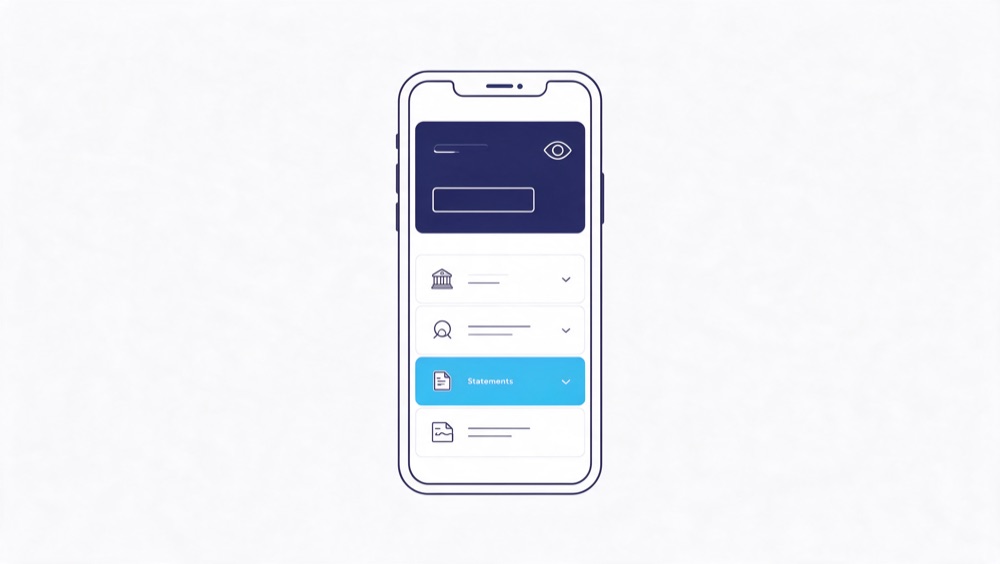
How to download bank statements, bank by bank
Log into the same website or app you use to check your balance. Then:
| Bank | Where the statements live |
|---|---|
| Chase | Log in → open the account → Statements & documents → pick the month → Download PDF |
| Bank of America | Log in → Statements & Documents tab → select account → Download |
| Wells Fargo | Log in → Statements & Documents → choose account and month |
| Citi | Log in → Statements under the account menu → Download |
| PNC | Log in → account → Online Statements → Print/Save as PDF |
| TD Bank | Log in → Statements & Documents → select month |
| US Bank | Log in → account dashboard → Statements & docs |
| Capital One | Log in → account → View Statements → Download |
| Novo / Bluevine / Mercury / Relay | Log in on desktop → Statements (usually under Settings or Documents) → export PDF by month |
Download each of the last 3 to 4 months as its own PDF, about five minutes total. If your bank only shows 90 days online, call their support line for the older months; they must provide them.
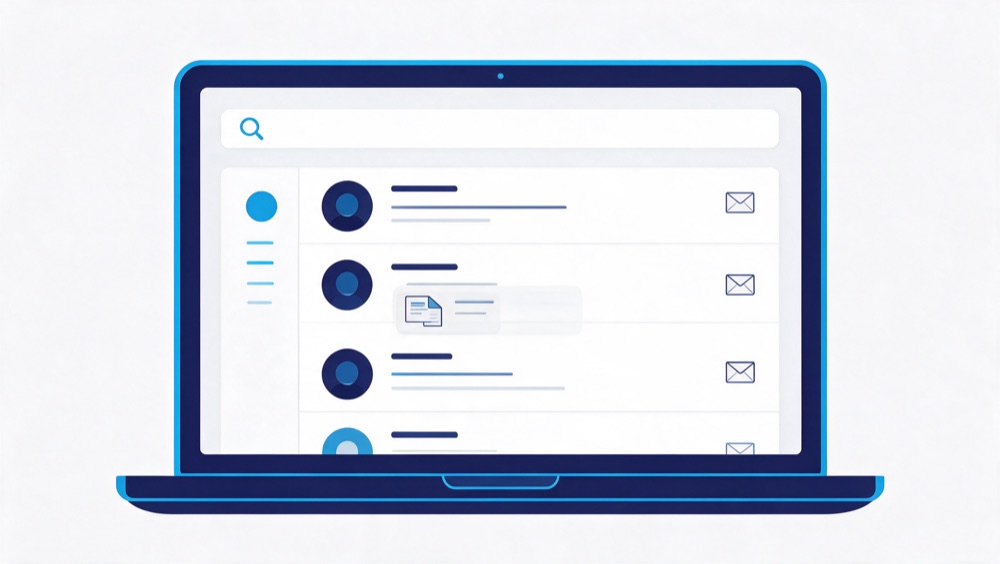
How to find your funding agreements
Almost every MCA agreement is signed electronically, it's sitting in an e-signature account or your email right now:
| Platform | How to find your signed agreement |
|---|---|
| DocuSign | Log in at docusign.com (the email the funder contacted you on) → Manage → Completed. Forgot the password? Reset it, the account exists if you ever signed through them. |
| Adobe Acrobat Sign | Log in at acrobat.adobe.com → Documents → Completed. The confirmation email also has the signed PDF attached. |
| PandaDoc | Log in at pandadoc.com → Documents → filter Completed. The signing-confirmation email link usually still works too. |
| Dropbox Sign (HelloSign) | Log in at sign.dropbox.com → Documents, or search your inbox for "hellosign". |
| SignNow | Log in at signnow.com → Documents. Not sure you have an account? Search email for "signnow". |
| SignEasy / eversign / others | Same pattern everywhere: log in → completed documents. Every platform also emails you the finished copy, search the platform name. |
The email search that finds almost everything
- The funder's name (e.g. "Kapitus", "OnDeck", "Rapid")
- "agreement", then filter to messages with attachments
- "completed", every e-sign platform uses it in subject lines
- "funding" or "approval" around the date the money landed
In Gmail, has:attachment agreement does it in one shot. In Outlook, search then filter Has attachments.
No agreement? Not a dealbreaker.
We can start without the funding agreement
Underwriting builds your plan from the bank statements, they show every funder pulling and how much. If an agreement is missing, we start anyway and may revise some details once the paperwork surfaces (we can also request it from the funder directly). Don't let one missing PDF stall your file.
These all work as substitutes, too:

Attach your documents now
Secure upload, goes straight to underwriting. Your lenders are never notified. PDFs, photos, and screenshots all accepted.
Upload documents securely →Or just reply to our email or text with everything attached.
Rather do it together?
Get an agent on the phone, we'll find them with you
Call and one of our team walks you through it live. If it's easier, we'll set up a secure screen-share, with your permission, an agent sees your screen and guides you click by click until everything's downloaded. Ten minutes, no tech skills needed.

What should you tell your lenders?
- You don't owe anyone an announcement. Downloading your own statements and organizing your own contracts is normal business housekeeping.
- If a funder calls, keep it short and factual. "I'm reviewing my finances" is a complete answer. You're under no obligation to discuss your plans on their timeline.
- Don't sign anything new under pressure. If a funder pushes a new agreement, a "reconciliation," or a modification while you're getting organized, have it reviewed first, some of those documents waive rights you currently have.
- Keep making the decisions you'd defend later. We don't advise anyone to stop payments or dodge calls. What we do is get between you and the funders once you're enrolled, at that point, the calls come to us.
General information, not legal advice. For legal questions about your agreements, consult a licensed attorney.
Frequently asked questions
Why 3 to 4 months of statements instead of one?
One month can be a fluke. Three to four shows the real pattern, every funder pulling, the true weekly drain, and how much room your revenue actually has.
Is uploading my bank statements safe?
Yes. Encrypted transfer, private storage, visible to our underwriting team only, and your lenders are never notified that you sent anything.
What if I signed on paper?
Check with whoever brokered the advance, look for a scanned copy in email, or give us the funder's name, we'll request it directly.
What if I don't know who all my funders are?
Your bank statements answer that, every funder pulling from your account shows up in the debit lines. Another reason statements come first.